| .vscode | ||
| public | ||
| src | ||
| .eslintrc.json | ||
| .gitignore | ||
| app-preview.png | ||
| next.config.js | ||
| package.json | ||
| pnpm-lock.yaml | ||
| postcss.config.js | ||
| README.md | ||
| tailwind.config.js | ||
| tsconfig.json | ||


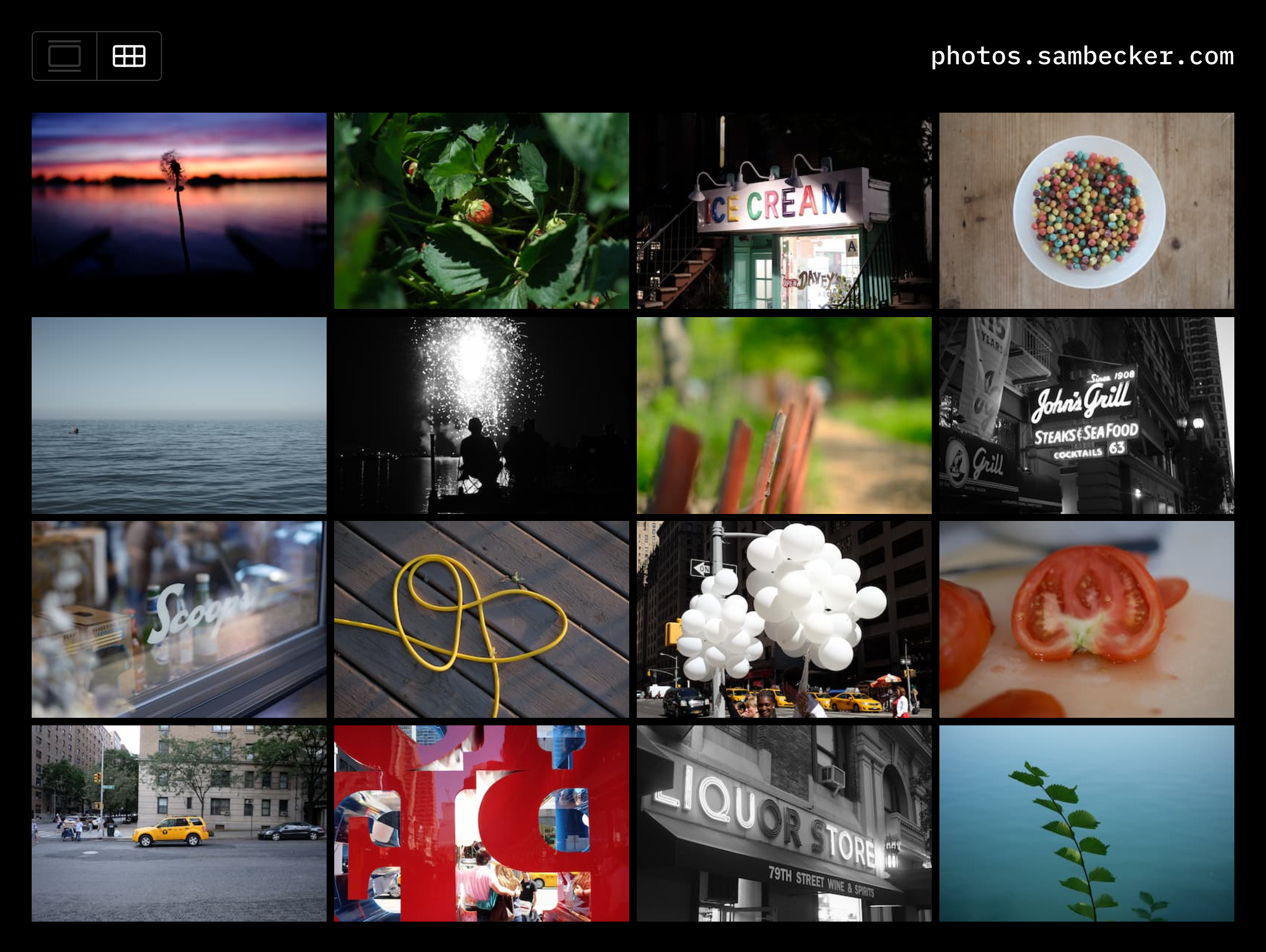
📷 EXIF Photo Blog
This template is in BETA.
Optimizations are still being made around auth and cache behavior.
Access to Vercel Blob—currently in private beta—must be requested.
Database schema changes are expected.
1. Deploy to Vercel
- Click Deploy
- Add required storage (Vercel Postgres + Vercel Blob)
- Add environment variables
NEXT_PUBLIC_SITE_TITLE(e.g., My Photos)NEXT_PUBLIC_SITE_DOMAIN(e.g., photos.domain.com)NEXT_PUBLIC_SITE_DESCRIPTION(optional—mainly used for OG meta)
2. Setup Auth
- Generate auth secret
- Add to environment variables:
AUTH_SECRET
- Add admin user to environment variables:
ADMIN_EMAILADMIN_PASSWORD
3. Upload your first photo
- Visit
/admin - Click "Choose File"
- Title your photo
- Click "Create"
4. Develop locally
- Clone code
- Install dependencies
pnpm i - Run
vc devto utilize Vercel-stored environment variables
5. Add Analytics (optional)
- Open project on Vercel
- Click "Analytics" tab
- Follow "Enable Web Analytics" instructions (
@vercel/analyticsis already part of your project)
6. Remove repo link (optional)
- Set
NEXT_PUBLIC_HIDE_REPO_LINK = 1